

How to tag your Zoho licence
Want to enjoy the benefits of your Zoho trial licence for longer? That's easy! Quickly link it to Mobile XL and you're done. It only takes a moment!

MXL2019 Our partner code at Zoho

Get even more out of your free Zoho trial licence
In just a few steps, you can easily extend the Zoho application you chose. Tag us as your partner by following the steps below. We'll then automatically receive a message and extend your licence.
We'll also confirm the extension to you by email afterwards.
How to tag Mobile XL as your partner
-
Go to the Zoho Store
Go to the URL https://store.zoho.eu.
-
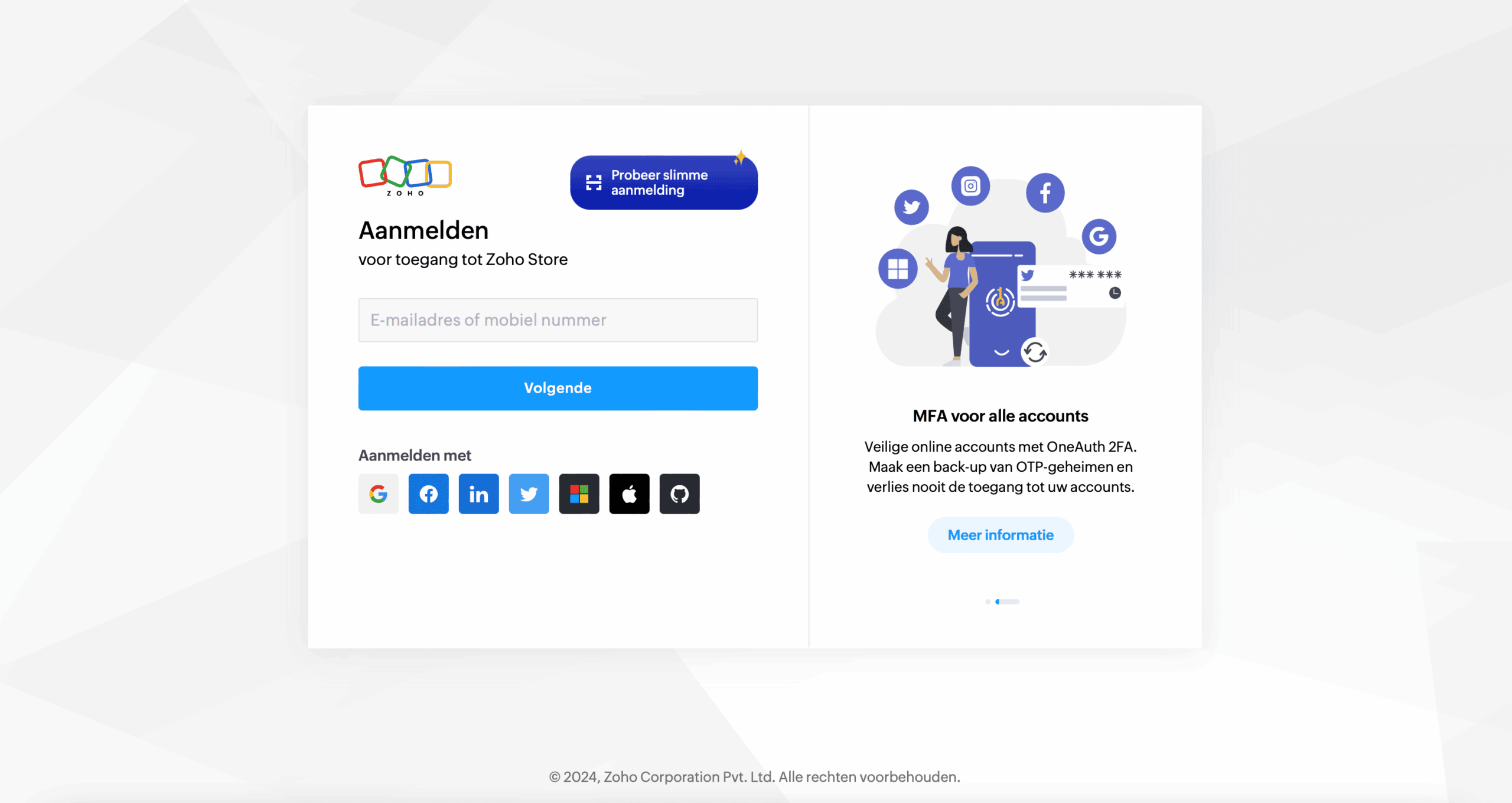
Log in to your Zoho account
Log in as superadmin! Only the owner of the environment can link your Zoho environment to our partner account. If that's not you, ask your colleague to do it.
-
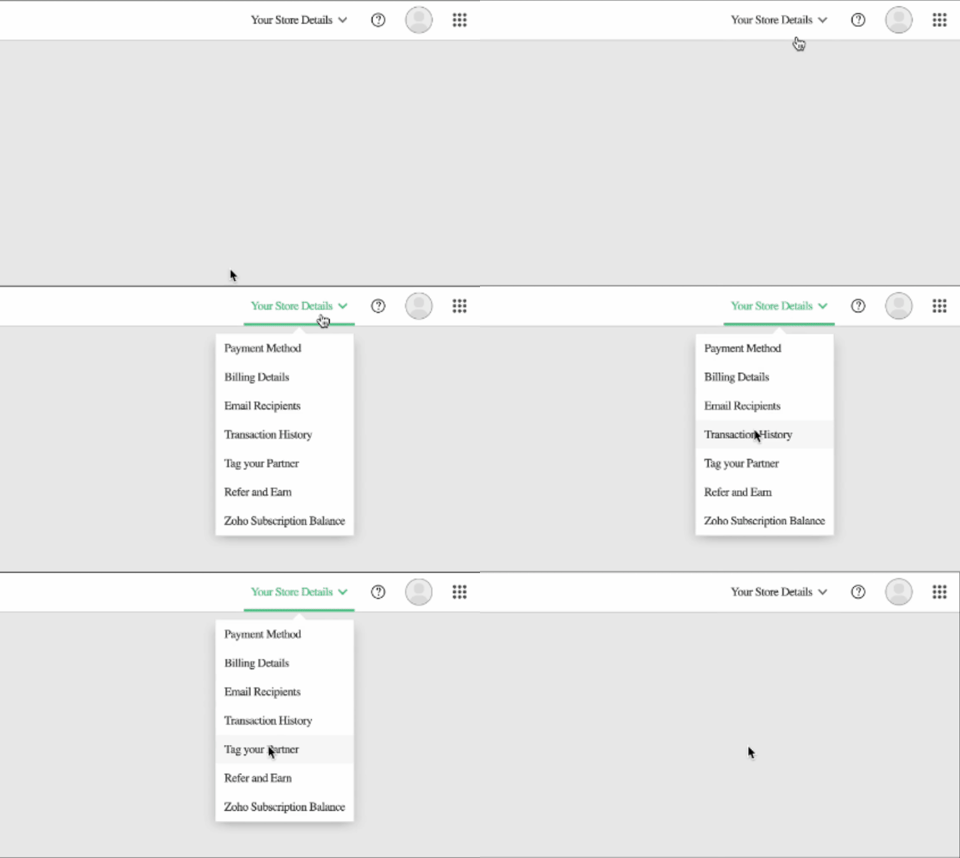
Click the dropdown menu at the top right
In the menu, choose the option Tag your partner.
-
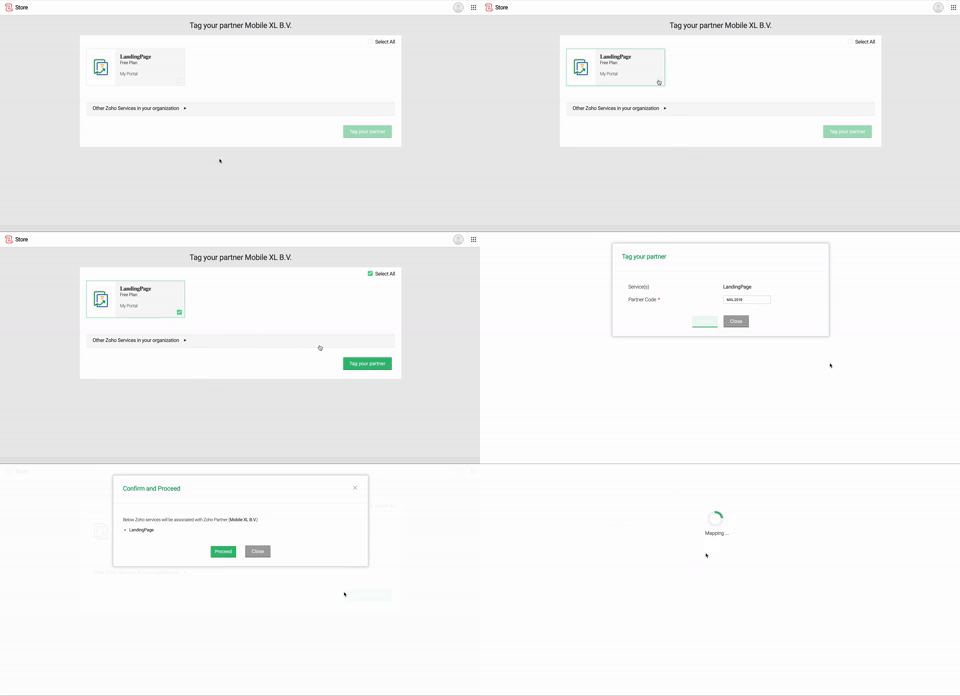
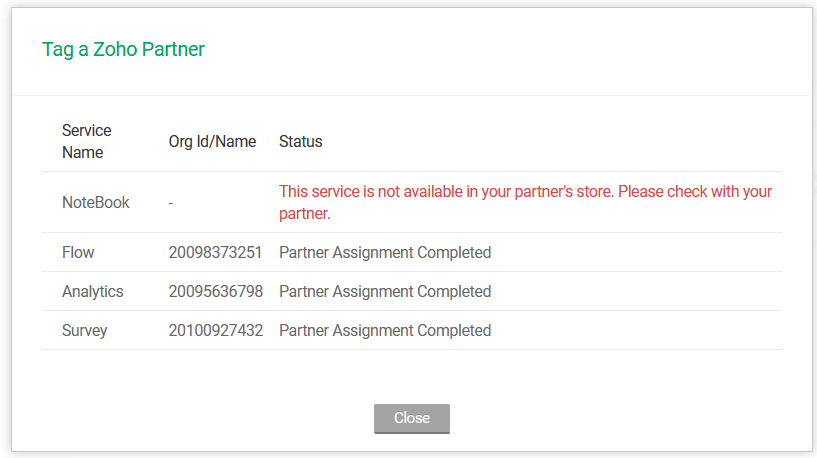
Select all applications and tag us as your partner
-
Use our partner code MXL2019
When you're asked for a partner code, use our code:
MXL2019
-
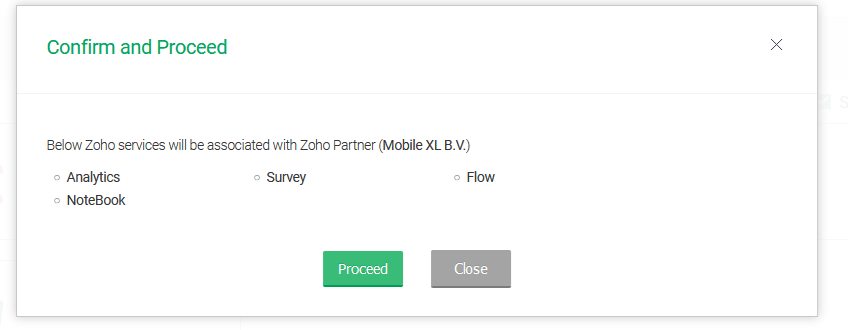
Confirm the tag
-
Get your confirmation
We now receive a notification of this and can extend your trial licence free of charge.
See how AI can give your organisation a boost
AI is a broad term. At Mobile XL, we deliver quality AI solutions for your organisation. AI with the human touch is within your reach to give your business a boost.
Questions about your licence?
If you have any questions, please get in touch.