

RPA software and automation: what it is, what it costs and how to get quick results

RPA stands for Robotic Process Automation. It is software that carries out actions the way an employee would: logging in to a portal, opening a screen, copying data, filling in a form, downloading a file and sending a confirmation.

rpa software
business proces automation

What is RPA software?

So the "robot" is not a machine, but a software bot that works at the level of the user interface.

That is exactly why RPA is so valuable. Many organisations work with systems that have no modern API: older ERP packages, industry software, government portals, banking environments, supplier portals and Excel files that have been around for years. Building an integration there is expensive or simply impossible. An RPA bot can operate those systems, because it uses the same screen as your employee.

Typical processes organisations automate first:

  • Reading in, checking and posting invoices
  • Transferring order data between web shop, ERP and WMS
  • Creating new employees in five different systems
  • Collecting data from supplier or customer portals
  • Compiling reports from several sources
  • Checks and reconciliations in financial administration

The difference between RPA, standard process automation and AI

This is where many automation projects go wrong: organisations buy RPA when they need an integration, or expect AI to carry out a structured process reliably. The three technologies solve different problems.

  • Standard process automation (workflow and integration)

    This is automation within or between systems, through built-in workflows, API integrations or an integration platform. Think of a workflow in your CRM that automatically creates a task, or an integration that passes orders from your web shop to your accounting system.

    • Works at: data and application level (API, database, webhook)
    • Strong in: speed, reliability, scalability, maintenance
    • Requires: that the systems support an integration
    • Rule of thumb: is an API available? Then this is almost always the best choice
  • RPA (robotic process automation)

    This is automation on top of systems, through the user interface. The bot clicks, types and navigates.

    • Works at: screen level (UI)
    • Strong in: systems without an API, legacy software, third-party portals
    • Weak in: changing screens. If a supplier redesigns its portal, the bot can break
    • Rule of thumb: no API available, but a clear, repeatable process? Then RPA is the answer
  • AI (artificial intelligence)

    AI adds judgement. Where RPA follows rules, AI interprets: it reads unstructured documents, recognises intent in emails, classifies, summarises and makes decisions based on patterns rather than fixed rules.

    • Works at: the level of meaning (text, image, context)
    • Strong in: variation, unstructured input, exceptions
    • Weak in: guarantees. AI is probabilistic, not deterministic
    • Rule of thumb: does the step involve interpretation? Then you need AI

Comparison in one table

Standard process automation RPA AI
Works through APIs and workflows User interface Models and data
Follows Fixed rules Fixed rules Patterns and context
Outcome Always the same Always the same Variable, with a margin of confidence
Ideal for Modern, connected systems Legacy and portals without an API Unstructured input
Vulnerable to API changes Screen changes Data quality and drift
Example Order from web shop to ERP Bot logs in to a banking portal Extracting invoice lines from a PDF

In practice you combine them

The most powerful solutions are hybrid, often called intelligent automation or hyperautomation. The gain is not in one technology, but in the right technology for each step. A practical example from accounts payable:

01

AI reads the invoice

AI reads the incoming PDF invoice and extracts the supplier, amount, VAT and order number.

02

Process automation checks

Standard process automation checks through an API whether the order number exists and whether the amount is within the margin.

03

RPA posts

RPA posts the invoice in the older accounting package that has no API.

04

An employee when in doubt

When in doubt, the invoice goes to an employee: not the whole flow, only the exception.

Two accessible platforms: Zoho RPA and Collabotics

Zoho RPA

Zoho RPA is Zoho's RPA platform and focuses firmly on accessibility. At its core is a recorder: you perform an action once, the platform records it and turns it into a reusable bot. There is also a drag-and-drop designer for those who want more control. Strengths:

  • Windows, web, Excel and file automation, including OCR and PDF processing for document-driven processes
  • Works at UI level, so also with legacy software and portals without an API
  • Encrypted storage of login credentials, so bots can log in to external systems securely
  • Error handling and exception logic built in
  • Transparent, usage-based pricing with a free entry level and a Standard plan based on the number of executions per month
  • Included in Zoho One at no extra cost, which all but removes the threshold for organisations already using Zoho

Do you already run your CRM, accounting, HR or service desk in Zoho? Then this is often the fastest and cheapest route to working automation.
Collabotics

Collabotics is a Dutch automation platform from Maastricht that uses software bots to carry out actions in existing systems. The platform is built to enterprise standards, with a strong emphasis on security and compliance: a point that weighs heavily in the Netherlands in healthcare, government, financial services and education.

Mobile XL is Collabotics' first official implementation partner. The partnership is aimed at making advanced process automation accessible to organisations that have so far seen the technology as too complex or too expensive, with a realistic and fast ROI as the starting point, including for SMEs.

Practical advantages of a Dutch supplier with a local implementation partner:

  • Dutch-language support and documentation
  • Data and hosting within the EU, relevant for GDPR and sector-specific requirements
  • Short lines of communication for questions and further development
  • A partner that knows Dutch system landscapes (from AFAS and Exact to industry applications)

They have the technical knowledge and implementation experience to guide organisations successfully through automation projects.

Ranco Marcus CEO of Collabotics

Comparison: Zoho RPA and Collabotics versus UiPath and Microsoft Power Automate

First the honest story: what UiPath and Power Automate do well. A comparison is only useful if it is accurate. Both platforms are market leaders for good reasons.

  • UiPath

    UiPath has led the RPA market for years and you can tell from the depth of the platform. The orchestrator for managing hundreds of bots, advanced document understanding, process mining and task mining, extensive testing options and a mature governance model are hard to match in this category. Add to that a huge community, a free Community Edition to practise with, and UiPath Academy with extensive, largely free certification programmes. If you want to automate hundreds of processes with your own Center of Excellence, UiPath is a serious and defensible choice.

  • Microsoft Power Automate

    Power Automate has a different but equally strong advantage: it is already in the building. If you work with Microsoft 365, basic automation with standard connectors is already available, and Power Automate Desktop makes attended automation on Windows easy to get into. The integration with SharePoint, Teams, Outlook, Dataverse and the rest of the Power Platform is excellent, there are thousands of connectors, and the pricing is unusually transparent for this market. If you are deep in the Microsoft ecosystem and mainly want to automate cloud to cloud, it is often the logical starting point.

Where the difference lies: price

The pricing models vary widely, and that is exactly where many SMEs drop out.

Platform Pricing model Indication
Zoho RPA Usage-based (pay-as-you-go), per number of executions Free entry plan; Standard with 500 executions per month and add-ons as needed; included in Zoho One
Collabotics Platform and implementation based, tailored to the number of processes On request; set up with fast ROI for SMEs as the starting point
Microsoft Power Automate Per user and per bot Premium approx. $15 per user/month (including attended RPA); unattended bots approx. $150 per bot/month, hosted approx. $215 per bot/month; Process Mining as a separate add-on
UiPath Modular, largely quote-based Entry plan from approx. $25 per month with a limited number of robots; enterprise contracts in practice run to six figures a year

Prices are indicative, excluding VAT, based on publicly available information from mid-2026 and mostly on annual billing. Always check the current rates with the supplier.

The core of the difference: Power Automate and UiPath charge per bot or per user, Zoho RPA charges per execution. As soon as you need unattended bots that run at night (and that is exactly where RPA delivers most) the per-bot licence shoots up. Three unattended bots on Power Automate quickly cost several hundred euros a month in licence fees alone, before a single process is running. With a usage-based model you pay for what the bot actually does.

Always factor in the hidden costs that come with the big platforms too: premium connectors, extra storage in Dataverse, separate licences for process mining, virtual machines for unattended bots, and certification or external consultants to set it all up.

AI agents chatbot data

Where the difference lies: implementation time

With enterprise platforms, an implementation rarely consists of just "building a bot". You set up an orchestrator, define a governance model, build development, test and production environments, assign licences and train people. For an organisation that wants to automate a hundred processes, that is justified. For an organisation that wants to automate five, it is out of all proportion.

With Zoho RPA you can have a first working bot within days using the recorder. With Collabotics the emphasis is on a guided implementation in which a partner maps the process, sets up the bot and hands it over, without you having to build an automation department in-house.

Full comparison

Criterion Zoho RPA Collabotics UiPath Power Automate
Entry threshold Low (recorder) Low (guided implementation) High Average
Time to first bot Days Days to weeks Weeks to months Days to weeks
Pricing model Per execution Per process/platform Modular, quote Per user + per bot
Depth for large enterprises Average Good Very high High
Ecosystem integration Strong within Zoho System-independent Broad, vendor-neutral Strong within Microsoft
Legacy without an API Yes Yes Yes Yes
Dutch-language support Through a partner Yes, Dutch company Through a partner Through a partner
EU hosting Available Yes Available Available (Azure)
In-house expertise needed Limited Limited Considerable Average

RPA use cases for your business applications

A digital worker operates applications through the screen, just like an employee, and carries out rule-based processes the same way every day. Combined with your existing business applications, this creates a chain in which data automatically ends up in the right place.

Retrieving, checking and processing purchase invoices

Accounting software, inventory and purchasing management, document management, integration platform

Purchase invoices arrive by email, through supplier portals or via a scanning service. The digital worker retrieves them, reads the invoice data and compares it with the purchase order and goods receipt in the inventory or purchasing system. It checks amounts, quantities, item codes and order numbers. If everything matches, it books the purchase invoice in the accounting software and sets it ready for approval. The original document is stored in the document management system and linked to the booking. If something differs, an employee gets a notification that includes the discrepancy.

What it delivers

  • Your accounts payable team no longer has to retype invoices and only checks the exceptions.
  • Price and quantity differences are flagged as soon as an invoice comes in, so you don't pay for what wasn't delivered.
  • Every booking is linked to the original document, which makes the audit easier.
  • Supplier and item data is recorded the same way everywhere, so duplicate or conflicting master data disappears.

A complete customer view for every service request

Service desk, CRM system, live chat, accounting software

When a customer gets in touch, a service employee often has to gather information from different systems: the CRM, the accounts, a supplier portal or a management system. The digital worker does this as soon as a ticket comes into the service desk or a chat starts. It retrieves the relevant data, such as contract status, outstanding invoices, delivery status and previous faults. It adds that information to the ticket straight away, so the employee has the full picture immediately.

What it delivers

  • Service employees save minutes per ticket on searching and switching between applications.
  • Customers get a complete and correct answer faster, often at first contact.
  • Because the data comes straight from the source, employees don't work with outdated or retyped information.
  • The customer file in the CRM system is updated automatically, which also benefits sales and account management.

Compiling files from multiple sources

Low-code platform, document management, word processor with templates, CRM system

For a credit application, a quotation process, an onboarding or a claims settlement, an employee gathers data from different applications and sources. The digital worker takes over that work. It retrieves the required data and documents, bundles them into a file in the document management system or an application on the low-code platform and, where needed, creates a summary or report based on a template. The complete file is then ready for an employee to review.

What it delivers

  • Employees spend their time on the assessment instead of on gathering data.
  • Every file is compiled with the same structure, so missing items stand out immediately.
  • Data is taken directly from the source, without retyping errors.
  • The lead time of applications and processes gets shorter, which increases customer satisfaction.

Connecting applications without an API

Integration platform, low-code platform, CRM system, accounting software and other business applications

Not every application has an API. Sometimes there is one, but an integration is too expensive or too complex for the volume. Think of older ERP packages, industry-specific software or portals of government bodies and chain partners. The digital worker then carries out the actions through the existing user interface. The integration platform or low-code platform sends the instructions and processes the results in the right application. This way, older or closed systems also become part of your automated processes.

What it delivers

  • You don't have to wait for an expensive custom integration or a replacement of the old system.
  • Data is no longer copied between systems by hand, which rules out retyping errors.
  • Your central business applications contain up-to-date data, including from systems without an integration.
  • If the old system is replaced later, you only adjust the digital worker and your processes stay the same.
  • Zoho RPA

    You already use Zoho, want to get started quickly and would rather pay for usage than per bot.

  • Collabotics

    You want enterprise-grade automation with Dutch support, strict compliance requirements and guidance with the implementation, without the enterprise price tag.

  • UiPath

    You automate on a large scale, have your own automation team and want maximum depth in orchestration, mining and governance.

  • Power Automate

    You work entirely in Microsoft 365 and mainly automate cloud to cloud, with limited use of unattended bots.

Five steps to automation that works

  1. Select the right process

    High volume, clear rules, few exceptions and measurable time spent. Do not start with the most complicated process to deliver "the real proof".

  2. Document the process as it really runs

    Not as it is written in the procedure manual. This is where most projects fail.

  3. Choose the technology per step

    API where possible, RPA where necessary, AI where interpretation is needed.

  4. Build small, test hard

    Let the bot shadow the employee first before it runs on its own.

  5. Manage and measure

    Who keeps an eye on the bot when a system changes? What is the real time saving after three months? Without ownership, every automation gets bogged down.

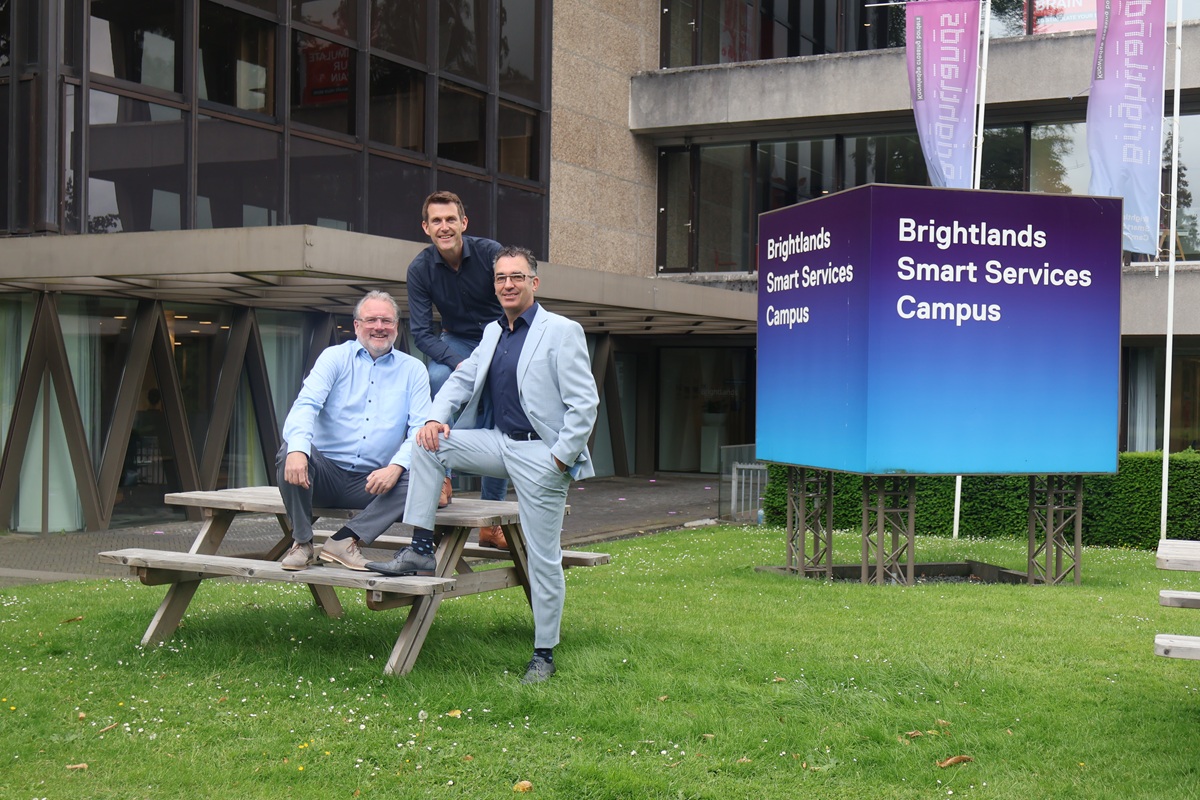
Mobile XL en Collabotics op de Brightlands Smart Services Campus

The bottom line

RPA software is not a goal but a means, and often not even the only means you need. If you understand where RPA ends and standard process automation or AI begins, you build solutions that keep working.

UiPath and Microsoft Power Automate are excellent platforms for organisations that fit their scale and pricing model. But for many Dutch organisations, especially SMEs and the mid-market, Zoho RPA and Collabotics deliver results faster at considerably lower cost, with an implementation that takes weeks rather than quarters.

functioneringsgesprek

Frequently asked questions about RPA software and automation

  • Regular process automation works under the bonnet: systems talk to each other directly through APIs, workflows and database connections. RPA works on top: a software bot operates the user interface just as an employee does. If your systems have good APIs, a direct integration is almost always faster, more stable and cheaper to maintain. RPA is the solution when those APIs are not there: with legacy software, third-party portals and applications you do not manage yourself.

  • No, they complement each other. RPA carries out rules and does so identically every time; that is exactly what you want for a posting or a system action. AI interprets and can handle variation, but gives no guarantee of an identical outcome. Most value comes from the combination: AI reads and assesses the unstructured input, RPA carries out the action reliably. That is what is called intelligent automation or hyperautomation.

  • For a long time it was, but not any more. The traditional enterprise platforms work with per-bot licences and implementation projects that quickly run into tens of thousands of euros. Platforms such as Zoho RPA use a usage-based model where you pay per execution, and Collabotics, with an implementation partner, is aimed specifically at a realistic ROI for mid-sized organisations. A well-chosen first process often pays for itself within a few months.

  • For a clearly scoped, well-documented process, a few days to a few weeks is realistic, depending on the number of systems and the testing required. The biggest source of delay is rarely the technology, but mapping how the process really runs, including all the exceptions nobody had written down. With enterprise platforms, setting up the environment, governance and training comes on top, which can push the lead time to months.

  • That is the best-known risk of RPA: bots work at screen level, so a portal redesign or a new software version can make them fail. Good platforms deal with this through flexible element recognition, error handling and alerts as soon as a bot gets stuck. Beyond that, management is essential: appoint an owner, actively monitor executions and schedule maintenance. Bots are not a one-off project but part of your IT landscape.

  • Look for processes with four characteristics: high volume, clear and stable rules, structured or largely predictable input, and a measurable amount of manual time. Classic candidates are invoicing and accounts payable, order entry, onboarding and offboarding employees, data transfer between systems, periodic reports and checks in administration. Processes with many exceptions or a lot of human judgement are unsuitable, unless you use AI for that assessment part.

  • That depends on the platform and how it is set up. Look for encrypted storage of login credentials, role-based access, full logging of what the bot did, and where data is stored and processed. For Dutch organisations in healthcare, government and financial services, EU hosting is often a hard requirement. Also record which permissions a bot gets: a bot that only reads is very different from a bot that prepares payments. Treat bots as users with their own account and their own authorisation level, not as an anonymous script on a workstation.

Curious which of your processes is the best place to start?

Mobile XL is a Zoho partner and Collabotics' first official implementation partner, and is happy to help you build a realistic business case.