

Wholesale automation: why your ERP can't do it alone
A wholesale business runs on volume and speed. You don't make money on one order but on thousands, and every action a person has to take eats into your margin.

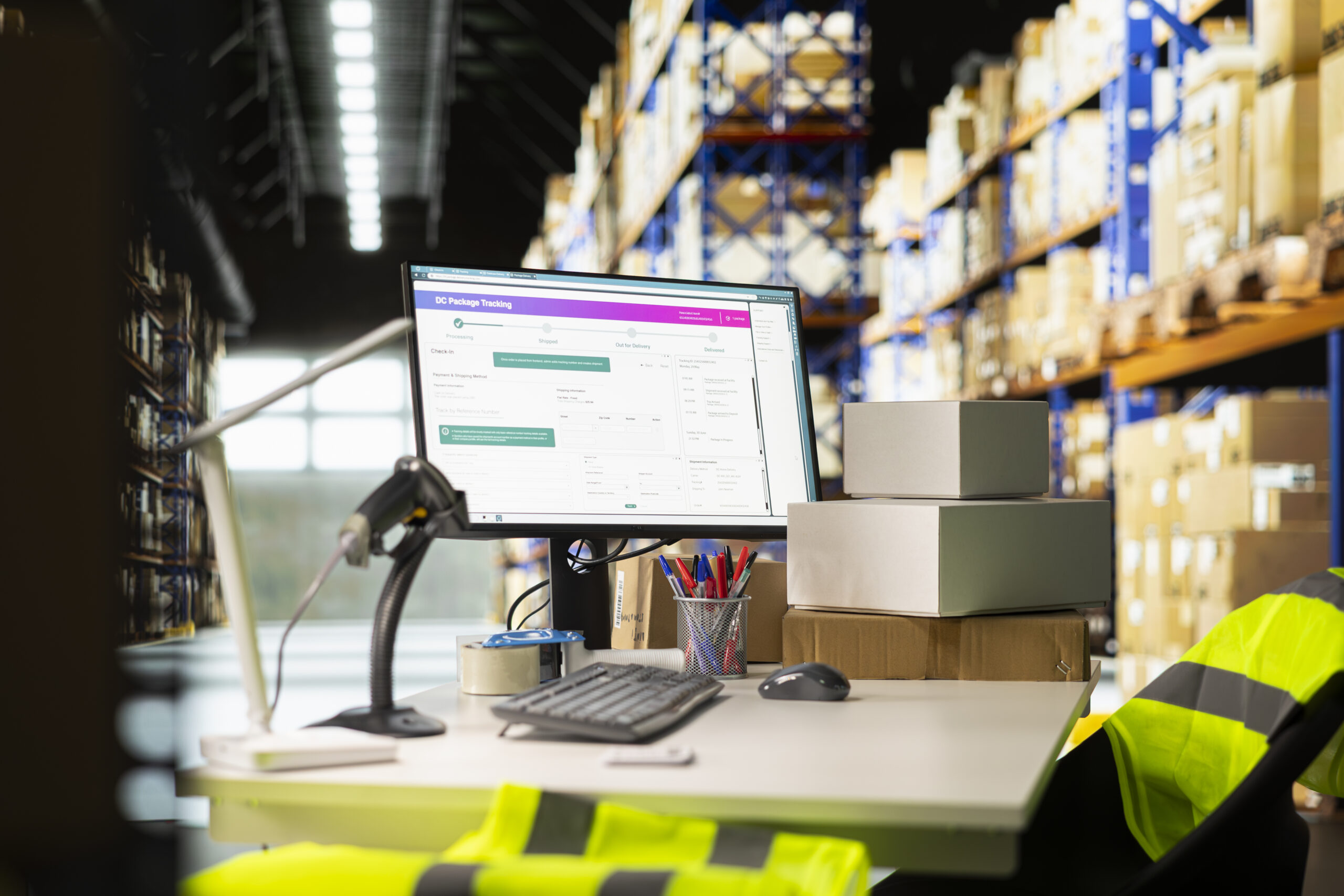
Where wholesale margin really leaks away
And yet that is exactly where most of the time goes: orders that arrive by email and are keyed in by hand, customers calling to ask where their shipment is, inside sales staff checking three systems before they can give an answer, and a sales rep who only finds out at the quarterly review that a regular customer has been ordering less for two months.
That is why wholesale automation is only partly about the warehouse. Most businesses have already invested there. These days the gains are on the commercial and customer side: order processing, quotes, service, account management, marketing and self-service. That is also exactly the part your ERP does not cover.
What automation actually delivers for a wholesaler
Why your ERP is not enough on its own
An ERP is built to process transactions correctly: stock, purchasing, orders, invoicing and the general ledger. It does that well, and that is where it should stay. But an ERP is not built for the work that happens before and after the transaction.
So the point is not that your ERP falls short. The point is that you are trying to make it do something it was never designed for.
-
An ERP knows orders, not relationships
It knows what a customer bought, but not what was discussed, which quote is still open, who makes the decisions at that customer or why a deal fell through last year.
-
An ERP has no pipeline
Prospects, leads, quote processes and follow-up appointments either don't exist in it or only in a rudimentary form. So sales reps fall back on Excel and Outlook, and that knowledge leaves the company when they do.
-
An ERP is not a service platform
Questions, complaints, returns and warranty cases come in by email, phone and WhatsApp. Without a ticketing system there is no SLA, no handover and no view of what is going on with your customers.
-
An ERP doesn't do marketing
Segmentation, campaigns, nurturing and website behaviour are completely out of scope.
-
An ERP changes slowly
That is a feature, not a bug: you don't want your financial administration turned upside down every quarter. But it does mean that commercial processes, which need to adapt quickly, fit poorly into an ERP change project with quotes and releases.
-
ERP licences are too expensive for everyone
An inside sales employee who only wants to see a customer's status doesn't need a full ERP licence. That drives up costs, or it leads to people asking for information instead of looking it up.
Zoho alongside your existing ERP: the quickest win
Already working with Business Central, AFAS, Exact, SAP Business One or an industry package, and it does its job? Then replacing it is rarely the smartest first move. You add a commercial layer alongside it and connect that to your ERP.

What that combination gives you
Business Central knows what was delivered and invoiced. Zoho knows what was discussed, what is still open, what questions are coming up and which campaign led to which order.
Together they give you a complete picture of each customer for the first time, so you can manage on margin instead of revenue.
Since ERP, CRM and webshop were linked, nobody has to retype orders any more. Our sales support team sees stock and order status right next to the customer.
Connecting your webshop to your ERP and CRM
Almost every wholesaler now sells online too, whether that is a B2B ordering environment or a webshop for end customers. Connecting it is rarely a matter of flipping a switch.
Which data flows which way
| Data | Source | Direction |
|---|---|---|
| Products, descriptions, images | ERP or PIM | → webshop |
| Stock levels | ERP or WMS | → webshop (ideally real time) |
| Prices, volume discounts and customer-specific terms | ERP | → webshop |
| Orders | Webshop | → ERP |
| New customers and accounts | Webshop | → CRM and ERP |
| Order status and track and trace | ERP or carrier | → webshop and portal |
| Invoices and outstanding items | ERP | → portal |
| Returns and RMA | Webshop or portal | → Zoho Desk and ERP |
| Customer and behaviour data | Webshop | → CRM and marketing |
The biggest pitfall is stock and price. A webshop that syncs once a night sells items during the day that are already gone. For fast-moving products you want real time or near real time, and that is a technical choice you make up front, not something you fix afterwards.
How such an integration comes together
Depending on your webshop platform and your ERP, there are four common routes.
If a system has no usable API, which happens regularly with older industry packages and supplier portals, RPA can be the answer. A software bot then performs the actions the way an employee would. Not elegant, but it works.
-
Standard connector
For common combinations there are ready-made integrations, for example between Shopify, WooCommerce, Magento or Lightspeed and the larger ERPs. Quick and relatively cheap, but you are limited to what the connector supports.
-
Integration platform
An iPaaS or middleware layer (think Zoho Flow for lighter scenarios, or a specialist platform for heavier flows) translates between systems, logs everything and catches errors. In wholesale this is usually the wisest choice, because you almost always connect more than two systems.
-
Direct API integration
Custom work based on the APIs on both sides. The most control, and the most maintenance.
-
EDI
If you supply retail chains or large buyers, part of your order flow runs through EDI messages instead of a webshop. That flow should land in the same process as your other orders, not on a separate island.
Where integration projects go wrong
Three things cause by far the most problems.
When your ERP really does need replacing: why Creatio comes into view
Sometimes adding on is no longer the answer. Your ERP is no longer being developed, the supplier is forcing a migration, or every change you want takes months and a quote. Then the question is on the table: where do we go next?
In the Netherlands, Microsoft Dynamics 365 Business Central is often the first name mentioned. Rightly so, because it is a mature ERP. But it is not automatically the best choice, and a lot depends on where your complexity lies.
Be honest about what Business Central does well
Business Central is a real ERP: general ledger, payables, receivables, purchasing, stock, warehouse management and a form of production are all standard, with solid Dutch localisation for VAT, bank connections and reporting obligations. The integration with Microsoft 365, Power BI and the Power Platform is strong, and the Netherlands has a large partner market with many industry-specific extensions. If you have a complex warehouse, assembly or production, that is a serious advantage you shouldn't talk away.
Where Creatio makes the difference
Creatio is not a classic ERP replacement, and we don't pretend it is. It is an AI-native, no-code platform for CRM and business processes, with Creatio Service and the related sales and marketing modules. For a wholesaler, the added value comes down to four points.
-
Process flexibility without a development project
Your quote process, your returns flow, your credit approval or your customer acceptance can be adjusted in a visual process designer by someone from the business. In an ERP, that is a change request.
-
CRM on a completely different level
The CRM functionality in Business Central is deliberately limited; if you want real sales automation, you buy Dynamics 365 Sales on top: a second licence, a second implementation. With Creatio, that depth is in the foundation.
-
AI that works across your whole process
Creatio AI Studio lets you build agents that act within your own processes, with a governance layer around them and the freedom to choose your own language model.
-
A predictable licence model
Creatio is moving towards licences without hard user limits, which for a wholesaler with many occasional users (warehouse, field sales, inside sales) gives a very different cost picture than an ERP where every user needs a full licence.
The comparison at a glance
| Creatio | Business Central | |
|---|---|---|
| Core | CRM, BPM and no-code platform | Full ERP |
| Financial administration | Not native; connect to your accounting package | Built in, with Dutch localisation |
| Stock and warehouse | Through process and custom apps or an integration | Built in, including WMS functionality |
| Production and assembly | Limited | Built in |
| CRM and sales automation | Very strong, at the core | Limited; Dynamics 365 Sales separately |
| Service process and ticketing | Very strong | Limited |
| Process changes | No-code, by the business | Through a partner and development project |
| Speed of change | Days | Weeks to months |
| AI approach | AI-native, LLM-agnostic, own agent studio | Copilot within the Microsoft ecosystem |
| Ecosystem | Vendor-neutral | Strong within Microsoft |
| Dutch partner market | Smaller | Large |
| Best suited to | Complex commercial and service processes | Complex logistics, stock and production |
How to make that choice in practice

The route we usually recommend
Almost every wholesaler is better off starting with the commercial layer than with an ERP migration. That layer goes live faster, touches fewer critical processes and shows visible results sooner. Zoho CRM for the customer view and pipeline, Zoho Desk for service and returns, Zoho Marketing Automation for targeted campaigns based on real order data, and a customer portal that takes the pressure off your inside sales team: all connected to the ERP you already have.
If it then turns out that your ERP really is the bottleneck, you will have a much better-founded picture of what you need at that point. And then, for a process-driven wholesaler, Creatio is a serious alternative to Business Central, rather than a name someone heard mentioned at a conference.

Frequently asked questions about wholesale automation
-
Almost never. In most wholesale businesses the gains are in the layer around it: CRM, service, marketing, a customer portal and the connection with your webshop. You build that alongside your existing ERP, with the ERP remaining the source for stock, prices and invoicing. An ERP migration is a heavy, risky project that you only start if the ERP itself is the bottleneck.
-
Through a standard connector, an integration platform, a direct API integration or EDI, depending on your webshop platform and ERP. Products, stock and prices flow from the ERP to the webshop; orders, new customers and returns flow back. Pay particular attention to how often stock is synchronised: nightly updates are guaranteed to lead to sales you can't deliver on fast-moving items.
-
It takes routine questions away from your inside sales team. Customers see their order status, track and trace, invoices, price agreements and return requests themselves, 24 hours a day. They can also order directly on their own terms, so orders come in automatically instead of by email or phone. In practice this is often the investment with the shortest payback time.
-
Not like for like. Business Central is a full ERP with finance, stock, warehouse and production; Creatio is a CRM and process platform built on no-code and AI. If your complexity is in logistics and production, you need an ERP and you put Creatio or Zoho alongside it. If your complexity is mainly in commercial and service processes with lots of exceptions and custom agreements, Creatio can become the operational heart with a lighter accounting package alongside it, usually live sooner and considerably more flexible.
-
That depends on the number of systems, the quality of your data and the complexity of your processes. A first step (setting up CRM with an ERP integration, or launching a customer portal) is usually a matter of weeks, not months. Besides licences, always budget for implementation, integrations, data migration and training. If a supplier only talks about licence prices, ask them about those items.
-
With a well-defined first step you see the effect within a few weeks, usually first in inside sales: fewer calls, less retyping, faster quotes. A fully integrated landscape with ERP, CRM, service, marketing, webshop and portal is built up in phases over a period of months. Start small and measure, rather than tackling everything at once.
-
Yes. Both Zoho and Creatio are designed to run alongside existing systems and connect via APIs, webhooks and integration platforms with Business Central, AFAS, Exact, SAP Business One and most industry packages. If a system has no usable API, a file exchange or an RPA bot is a workable alternative.
-
In a wholesale business, mainly three things: classifying and routing incoming questions and emails so your inside sales team only sees the exceptions, reading and processing documents such as purchase orders and packing slips, and spotting patterns you would otherwise miss: a customer who is starting to order less, a product group with rising returns, a quote that has been sitting too long. AI agents carry out those tasks within the permissions and limits you set yourself.
Want to know where the biggest gains are in your organisation?
Mobile XL maps your processes, builds the integrations with your ERP and webshop, and implements Zoho and Creatio.