


Back office automation with RPA: invoice processing, order entry and HR

The back office is the engine of your organisation. Invoices have to be booked, orders processed, new employees registered and salaries paid on time. Without that work, everything grinds to a halt. At the same time, it is exactly the work that consists mostly of retyping, checking and copying. So if you are looking at back office automation, this is the department where you will find the fastest and biggest gains.

Magazijnmedewerker met tablet tussen de stellingen van een groothandel
Twee collega's bekijken samen een klantenportal op een laptop

Why you automate the back office first

Back-office processes have almost all the characteristics that make a process suitable for RPA. They occur daily, follow fixed rules, work with digital documents and do not change often. What is more, the impact of a mistake is large: a wrongly booked invoice or a missed order costs money and trust straight away.

On top of that, the back office often works with many systems at once. An accounting package, an ERP, an HR system, the banking environment, supplier portals and the mailbox. Those systems are by no means always connected to each other. That is exactly where the manual work lies, and that is exactly where a software robot is at its best. It works via the screen and so does not need an integration.

The three processes with the biggest gains

Process Typical actions Why it is suitable
Invoice processing Reading, checking and booking invoices, approving them for payment High volume, fixed checks, digital documents
Order processing Transferring orders from email and portals into the ERP Many systems without an integration, error-prone retyping
HR administration Registering and deregistering employees, processing leave and hours Many systems per action, fixed steps

Further down this page you will read how automation works in practice for each process. You will find more examples from other departments in RPA examples.

Automating invoice processing with RPA

For many organisations, purchase invoices are the largest volume in the back office. Every invoice has to be opened, read, checked, coded, approved and booked. With hundreds of invoices a month, that soon adds up to days of work.

How RPA invoice processing works

  1. Collecting

    The robot checks the invoice mailbox or a folder on the server and collects new invoices, including from supplier portals.

  2. Reading

    With intelligent document processing, the software extracts the invoice number, date, supplier, amounts, VAT and order lines. Even from PDFs with a different layout or from scanned invoices.

  3. Checking

    The robot compares the invoice with the purchase order and, where applicable, with the goods receipt. Do the quantities and prices match? Has the invoice not already been submitted before?

  4. Booking

    If everything is in order, the robot creates the entry in your accounting package, with the right general ledger account and cost centre.

  5. Approval

    The robot queues invoices above a certain amount or without a purchase order for approval by the budget holder.

  6. Archiving

    The original invoice is linked to the entry and archived.

  • What happens to invoices the robot cannot process?

    No robot processes one hundred per cent of invoices. An illegible scan, an unknown supplier or a price difference with the purchase order: in cases like these, the robot puts the invoice in a separate work queue, with a short description of the problem. An employee handles the exception. Because the robot has already done most of the work, that takes much less time than before.

  • What automating invoice processing delivers

    Say you process 400 invoices a month and each invoice takes 8 minutes. If the robot fully handles 90 per cent, you save around 48 hours a month. What is more, invoices are processed the same day, you no longer miss payment terms and you always have an up-to-date picture of your outstanding liabilities. You can read how to calculate this for your own situation in RPA costs and ROI.

Automating order processing

Orders come in through all kinds of channels: the online shop, email, PDF orders and the procurement portals of large customers. Those portals in particular are a source of manual work. Every customer has its own system, and none of those systems is connected to your ERP.

How a software robot takes over order entry

  1. Collecting orders

    At set times, the robot logs in to your customers' portals, opens the order inbox and collects new orders.

  2. Reading the data

    Item numbers, quantities, prices, delivery addresses and requested delivery dates are extracted, including from PDF orders.

  3. Checking

    The robot checks whether the item numbers exist, whether the prices match the agreements and whether the customer stays within their credit limit.

  4. Entering

    The order is created with all its lines in the ERP or CRM.

  5. Confirming

    The customer automatically receives an order confirmation and, where necessary, the robot also posts the confirmation back to the customer's portal.

Customer succes manager met headset in gesprek met een klant

What automating order processing delivers

Orders that do not add up, such as an unknown item number or a different price, go on a list for the sales support team. That way they can focus on the orders that really need attention.

Orders are in the system within minutes instead of at the end of the day. No more typos creep into item numbers or quantities, so you have fewer incorrect deliveries and returns. And in busy periods the robot handles the extra volume effortlessly, without you needing temporary staff. For SMEs with a small sales support team, that can make all the difference. Read more in RPA for SMEs.

Automating HR processes

HR administration consists of lots of small actions in lots of different systems. A single new employee can easily mean a registration in the HR system, the payroll administration, the planning, the CRM, the email environment and the access control system. If you do that by hand, there is a good chance something gets forgotten somewhere.

If you work with Zoho People, these processes connect to your existing HR environment. A robot fills the gaps to systems that do not have a direct integration, such as an external payroll package or the access control system of your building.

Onboarding new employees

As soon as a contract has been signed, the robot starts the onboarding process. It creates the employee in all systems, requests an email address and a laptop, sets up the right permissions and sends the manager a checklist for the first working day. That way a new colleague can get straight to work on day one.

Offboarding when someone leaves

When someone leaves, the robot does the reverse. On the last working day it blocks all accounts, revokes licences and records which equipment has to be handed in. That prevents forgotten access rights, which is good for your information security. And you no longer pay licences for people who have already left.

Leave, hours and changes

The robot collects approved leave requests, timesheets and payroll changes, checks them for completeness and passes them on to the payroll administration. If something is missing, the employee automatically receives a reminder. That way the payroll run goes ahead without last-minute corrections.

Back office automation with your existing software

A frequently asked question: does RPA work with my accounting package? The answer is almost always yes. A software robot works via the screen, just like your employees. In principle, any system they can operate, the robot can operate too. Whether it is a cloud package or software that has been running on a local server for years.

  • Within the Zoho ecosystem

    If you work with Zoho One, you have a big advantage. Zoho RPA is included in your subscription at no extra cost and connects to Zoho Books and Zoho People. For the steps within Zoho, you use the built-in workflows and integrations. Zoho RPA takes over where systems outside the ecosystem come into play, such as a banking portal, a supplier portal or an external payroll package. With the intelligent document processing of Zoho RPA, you can also extract data from invoices, even if they are scans or handwritten documents.

  • With Collabotics

    For back-office processes in which robots work closely with your employees, Collabotics is a strong option. The Collabotics robots communicate with each other and with your team, which suits processes with approval steps and hand-over moments well.

How much do you save?

The savings vary per organisation, but the calculation is always the same: time per task × number of times per month × the share the robot handles fully. For the three processes on this page, that quickly adds up to dozens of hours a month in an average SME back office. On top of that come the less visible benefits: fewer errors, faster lead times and a team that experiences fewer peaks in workload. You can find more background on automation in finance and administration in a knowledge article from UiPath.

Medewerkster werkt geconcentreerd achter een laptop op kantoor

Do you still need people in the back office?

Definitely. Automation changes the work in the back office, but does not make your people redundant. The robot takes over the repetitive work: retyping, checking, passing things on. What remains is the work that requires human knowledge and judgement.

Think of handling exceptions, contacting suppliers about a price difference, analysing figures and improving processes. Employees go from carrying out the process to directing it. In practice, that work often turns out to be a lot more enjoyable and valuable. Automation also helps you absorb growth without increasing the workload, which is a big advantage in a tight labour market.

So involve your back-office team from the start. They know the processes best and know exactly where the bottlenecks are. You can read how to go about this in Implementing RPA.

Is automating HR and financial processes GDPR-compliant?

In the back office, a robot works with sensitive data: bank details, salaries and the personal data of employees and customers. Care is therefore essential.

Are you combining RPA with AI to interpret documents or emails? Then also read RPA vs AI agents on how to stay in control.

  • Minimal permissions

    Give each robot access only to the systems and data it needs for its task.

  • Encrypted login credentials

    Store passwords in a secure vault, such as Zoho Vault with Zoho RPA, and never in scripts or spreadsheets.

  • Full logging

    Record which actions the robot performs with which data, so you can always account for what happened.

  • No unnecessary storage

    Do not let the robot keep copies of data it does not need, and clean up temporary files.

  • Segregation of duties

    Let the robot prepare invoices, but always have a person approve payments above a certain amount.

New colleagues used to be set up in all our systems only after a few days. Now the robot sorts that out on their first working day.

Sample quote Real customer quote to follow
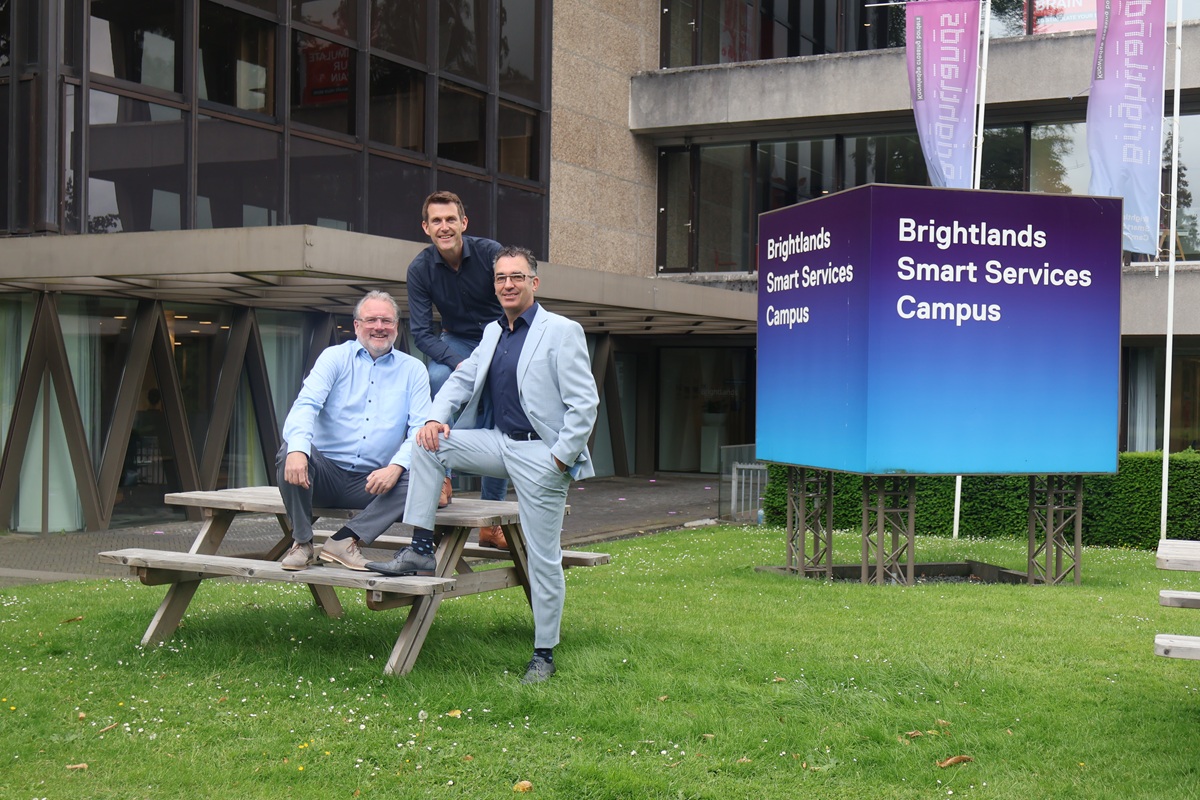
Mobile XL en Collabotics op de Brightlands Smart Services Campus

Get started with back office automation

Invoice processing, order entry and HR administration are processes that come back every day and take up time every day. By automating your back office with software robots, you get that time back, errors disappear and your team can focus on the work that really matters. For the basics of the technology, see our page on robotic process automation.

Mobile XL helps you get off to the right start. Together we look at which back-office process delivers the most, build the robot with Zoho RPA or Collabotics and make sure everything is set up securely and in a GDPR-compliant way. That way you will see results within a few weeks.

FTE betekenis

Frequently asked questions about back office automation

  • The robot collects invoices from the mailbox or a portal, extracts the data, checks it against the purchase order and books the invoices in your accounting package. It queues invoices that deviate for an employee.

  • Yes. With intelligent document processing, a combination of RPA and AI, the software recognises the fields on an invoice, even with a different layout, a scan or even handwritten documents.

  • Invoice processing, order entry and HR administration usually deliver the biggest gains. Matching payments, sending payment reminders to customers and periodic reports are also good candidates.

  • At set times, the robot logs in to your customers' portals, collects new orders, checks item numbers and prices and enters the order in your ERP or CRM. The customer automatically receives a confirmation.

  • Think of registering new employees in all systems, blocking accounts when someone leaves and processing leave, hours and payroll changes.

  • They go into a separate work queue, with a description of the problem. An employee handles the exception. Because the robot has already done most of the work, that takes much less time.

  • Almost always. A software robot works via the screen and can operate any system that an employee can operate. If you work with Zoho Books, Zoho RPA connects to it directly.

  • With 400 invoices a month at 8 minutes each, of which the robot fully handles 90 per cent, you save around 48 hours a month. Your own savings depend on your volume and the time per invoice.

  • Yes, provided you set it up properly. Restrict the robot's permissions, store login credentials encrypted, log all actions and do not store unnecessary data.

  • Yes. The robot takes over the repetitive work, but exceptions, contact with suppliers, analysis and process improvement remain work for people. Employees become the directors of the process.

Curious how many hours your back office could save?

Book a no-obligation consultation with one of our specialists.