Choosing RPA software: what should you look for?

You know which processes you want to automate and how a software robot works. Now you face the choice: which RPA software suits your organisation? There is a wide range on offer, from extensive enterprise platforms to solutions that are already included in your existing package. The differences in price, capabilities and complexity are huge. The wrong choice costs not only money, but also time and support within the organisation.

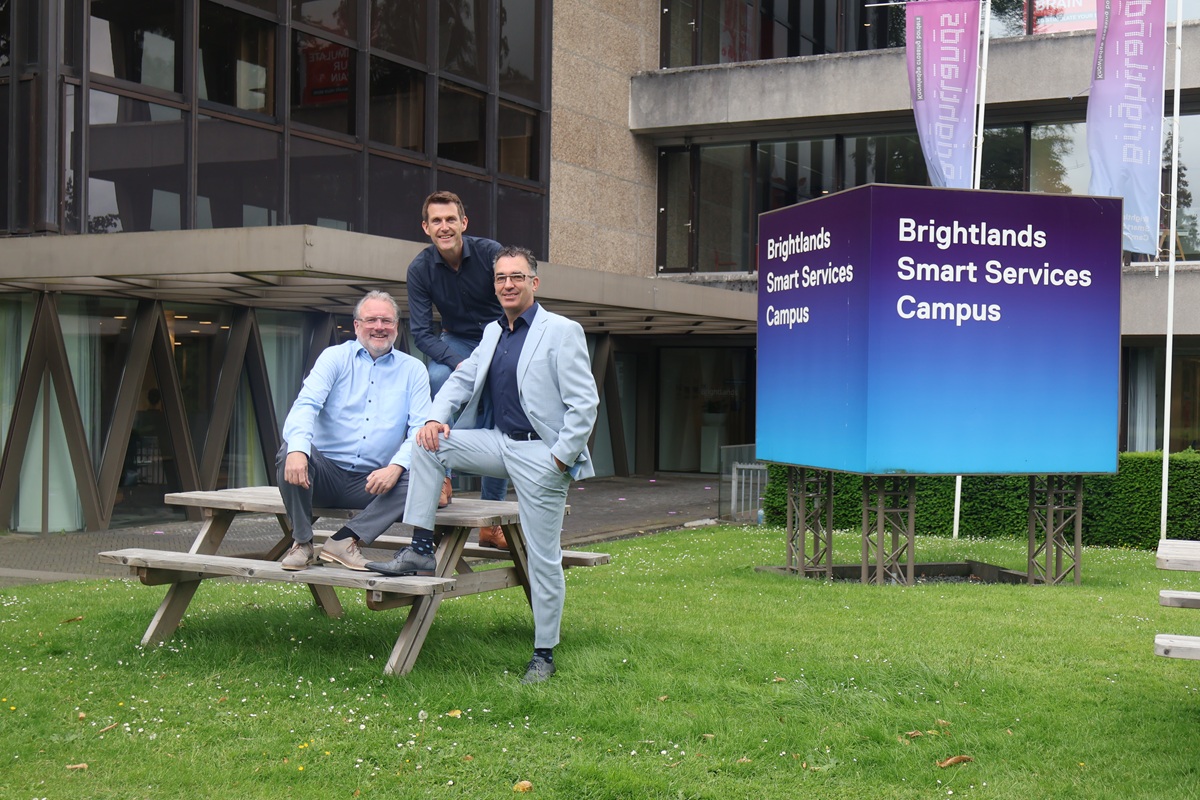
Mobile XL en Collabotics op de Brightlands Smart Services Campus

Before you start comparing RPA software

The biggest mistake when choosing RPA software is starting with the tools. If you go straight to watching demos, you are easily won over by impressive features you will never use. So start with your own situation and answer these questions first.

  • Which processes do you want to automate?

    Make a list of the first three to five processes. Which systems do they touch, how much volume goes through them and how many exceptions do they involve? You will find inspiration in Back office automation and on our other pages about RPA.

  • Which systems does the robot need to work with?

    Think of your CRM, ERP, accounting package, Excel, web portals and any older desktop software. Does everything run in the browser, or also on Windows, macOS or a server?

  • Who will build and manage the robots?

    Will you do it yourself, with an implementation partner or a combination of both? The answer determines how important ease of use is.

  • What is your longer-term ambition?

    Will it stay at a few robots, or do you want to move towards a coherent approach with AI and low-code? In the latter case, it is important that the software fits within a broader hyperautomation strategy. You can read more about this in Hyperautomation.

  • What is your budget?

    Not just for the first year, but for the next three years, including configuration and management.

8 selection criteria for RPA software

With these answers on paper, you can assess RPA tools in a targeted way, rather than being led by the most attractive demo.

  1. Compatibility with your existing systems

    This is the most important criterion. How well does the software work with the applications you already use? Look at ready-made integrations with your CRM, ERP and accounting system, but also at the options for systems without an integration. A good RPA tool can work both via the screen and, where possible, via an API. You can read more about that trade-off in RPA vs API.

  2. Ease of use

    Can your own employees build and adjust simple robots, or do you depend on a specialist for every change? Look for a recorder that turns actions into a workflow, a visual design environment and clear error messages.

  3. AI and document processing

    Many back-office processes revolve around documents: invoices, packing slips, forms. Can the software extract data from PDFs and scans, even when the layout varies? And how easily can you combine the robot with AI to interpret emails or free text? Also read RPA vs AI agents.

  4. Security and GDPR

    A robot logs in to systems and works with sensitive data. Check how login credentials are stored, whether permissions can be set per robot, whether all actions are logged and where the data is processed. For Dutch and Flemish organisations, processing within the EU is an important point of attention.

  5. Management and monitoring

    How do you keep an overview as you get more robots? A central management environment shows which robots are running, which have got stuck and how many tasks they are processing. Good notifications and exception handling are essential.

  6. Supported platforms

    Does the robot only run on Windows, or also on macOS and Linux? Does it work in the browser and with desktop applications? The broader the support, the more processes you can automate.

  7. Total cost

    Look beyond the licence price. Include configuration, infrastructure, management and any extra user licences, and calculate over at least three years. You can read how to do this in RPA costs and ROI.

  8. Ecosystem and support

    Does the software fit into a broader platform that you already use or plan to use? Is there an implementation partner nearby who speaks your language and understands your processes? Good support often makes more difference than an extra feature.

Understanding RPA software licensing models

The price of RPA software depends heavily on the licensing model. If you understand the models, you can compare quotes fairly.

Model How it works Watch out for
Per robot You pay for each software robot you deploy Costs rise as you automate more processes
Per user You pay for each employee who builds or starts robots Favourable with few builders, expensive with many attended users
Usage-based You pay per run or per processed transaction Less predictable with fluctuating volumes
Included in a package RPA is part of a broader subscription Check the limits, such as the number of agents or runs
  • Attended and unattended licences

    Many vendors distinguish between attended and unattended robots. An attended robot works together with an employee and is started by that employee, for example to retrieve customer data from several systems with a single click. An unattended robot runs independently in the background, often on a server or virtual machine, and processes all invoices overnight, for example. Unattended licences are usually more expensive, because the robot does its work completely on its own. Decide in advance which type you need.

  • Cloud or on-premise?

    With a cloud solution, you manage the robots via a web environment and have little infrastructure to maintain yourself. For tasks in local desktop software, you then install an agent on a computer or server within your network. A fully on-premise solution gives maximum control over your data, but requires more management. For most SMEs, a cloud solution with local agents is the most practical choice, provided the data processing is set up in a GDPR-compliant way.

What types of RPA tools are there?

Broadly speaking, you can divide RPA software into three groups. Each group suits a different type of organisation.

  • Integrated RPA: Zoho RPA

    Zoho RPA was developed directly within the Zoho ecosystem, so not through an acquisition or a separate integration. If you use Zoho One, Zoho RPA is included in your subscription at no extra cost. That makes the threshold for SMEs low.

    In terms of functionality, Zoho RPA offers much of what you would expect from a fully fledged RPA tool. Robots automate tasks in Windows applications, in the browser, in Excel and in files and folders. With a recorder, you turn your own actions into a reusable robot. Intelligent document processing extracts data from PDFs, images and even handwritten documents. The robot retrieves login credentials securely from Zoho Vault, and agents run on Windows, macOS and Linux. For custom work, you can add your own logic with Deluge, Zoho's scripting language.

    In 2026, Zoho RPA was named a Leader in the RPA Technology Value Matrix by Nucleus Research. You can read about it in the Zoho blog post on the Nucleus Research recognition.

    Good fit for: organisations that already work with Zoho or are looking for a broad, affordable platform that brings RPA, CRM, accounting and low-code together.


  • Specialised robots: Collabotics

    Collabotics is a Dutch specialist with more than ten years of experience in software robots. The robots carry out predefined processes, work with desktop applications and communicate with each other and with your employees. They retrieve information and process it in a meaningful way.

    Good fit for: organisations with more complex processes in which robots and people work closely together, and that value working with a Dutch provider.

  • Enterprise platforms

    There are also large enterprise platforms, such as UiPath. They offer an extensive development environment, central management tools and a wide range of AI features, and are built to manage hundreds of robots at once. Want to know what to look for in such a platform? Then a knowledge article from UiPath is useful background reading.

    Good fit for: large organisations with their own automation team and a substantial budget. For most SMEs, the costs and complexity are greater than necessary. You can read more about this in RPA for SMEs.

Comparing RPA software: the three routes side by side

Criterion Zoho RPA Collabotics Enterprise platform
Licence costs Included in Zoho One at no extra cost Tailored to the process and the support High, often per robot or user
Compatibility Zoho apps plus Windows, web and Excel Desktop applications and collaboration with employees Very broad, many standard connectors
Document processing Intelligent document processing, including scans and handwriting Retrieving and processing information Extensive AI modules
Ease of use Recorder and visual workflows Guided by a specialist Powerful, but more complex
Scale Small to medium Small to medium Large to very large
Best for Organisations in or moving towards the Zoho ecosystem Processes with a lot of human-robot collaboration Large organisations with their own automation team
Twee collega's bekijken samen een klantenportal op een laptop

Checklist for choosing RPA software

Use this checklist for every solution you are considering:

  • Does the software work with all the systems in my first three processes?
  • Can the robot also work in systems without an API?
  • Can my own employees make simple adjustments?
  • Can the software extract data from documents, even when the layout varies?
  • Are login credentials stored encrypted and can permissions be set per robot?
  • Are all actions logged and is the processing GDPR-compliant?
  • Is there a central environment for management and monitoring?
  • Do the robots run on the operating systems I use?
  • Do I know the total cost over three years, including configuration and management?
  • Is there an implementation partner that understands my processes and my language?

If you can answer yes to most of the questions for a solution, you have a serious candidate.

Try it out first with a proof of concept

The best way to assess RPA software is to work with it. A demo shows what a tool can do in ideal conditions. A proof of concept shows what it can do in your environment, with your systems and your data.

Choose a real process

Choose a real process for the trial, preferably a simple process with clear gains. Automate the main path and see how the software handles your systems, how quickly the robot is built and how easily you can adjust it. Involve the key users: they will see straight away whether the result is usable. You can read more about this approach in Implementing RPA.

Even easier with Zoho One

If you already work with Zoho One, a trial like this is even easier to start. Zoho RPA is already in your app launcher, so you can begin right away without signing a new contract.

Can you switch later?

Yes, but it takes effort. Robots you build in one RPA tool cannot simply be moved to another. The logic has to be rebuilt. That makes a good first choice important.

You reduce the risk of a difficult switch by documenting your processes well. A clear process description, including all steps, rules and exceptions, is half the work in a new implementation. What is more, a switch often takes less work than expected, because by then you know the processes well and have already simplified them.

Medewerkster werkt geconcentreerd achter een laptop op kantoor

RPA software as part of a bigger picture

The choice of RPA software rarely stands on its own. Software robots work best in combination with API integrations, low-code and AI. So choose a solution that fits within your broader IT landscape and your plans for the future. If you want to use AI alongside your robots, make sure this happens securely. With Mobile XL's GDPR-compliant AI platform, your data stays within a secure environment. You can find the basics of the technology on our page about robotic process automation.

We were already using Zoho One, so Zoho RPA was the obvious choice. Mobile XL first showed us what it could do for our processes, and only then did we decide.

Sample quote Real customer quote to follow
Sales Processen

Choose the RPA software that suits you

The best RPA software does not exist. There is only the software that best suits your systems, processes, budget and ambitions. With the eight criteria and the checklist on this page, you can make that choice on solid grounds, rather than on the basis of the most attractive demo.

Mobile XL is happy to help you weigh it up. We know Zoho RPA and Collabotics from practice, map out your processes and systems and advise you on which solution delivers the most. Then we build your first robot as a proof of concept, so you can make the choice based on real results.

functioneringsgesprek

Frequently asked questions about RPA software

  • The most important criteria are compatibility with your existing systems, ease of use, AI and document processing, security and GDPR, management and monitoring, supported platforms, total cost and the availability of good support.

  • That depends on your systems. If you work with Zoho One, Zoho RPA is often the most logical choice, because it is included in your subscription at no extra cost. For processes with a lot of collaboration between robots and people, Collabotics is a strong option.

  • Zoho RPA is built into the Zoho ecosystem and is included in Zoho One at no extra cost. Enterprise platforms offer more features for very large numbers of robots, but are more expensive and more complex. For SMEs, that is often more than they need.

  • Do not just compare the licence price, but also the licensing model, the configuration costs, infrastructure and management. Calculate over at least three years and look at how the costs scale as you deploy more robots.

  • For most SMEs, a cloud solution with local agents is the most practical. Fully on-premise gives more control over your data, but also requires more management.

  • An attended robot is started by an employee and works together with them. An unattended robot runs independently in the background, for example on a server. Unattended licences are usually more expensive.

  • Increasingly important. With AI, a robot can extract data from documents with varying layouts and interpret free text. That lets you automate many more processes than with rule-based robots alone.

  • Yes, and that is highly recommended. Run a proof of concept with a real process in your own environment. If you work with Zoho One, Zoho RPA is already available and you can start right away.

  • Check how login credentials are stored, whether permissions can be set per robot, whether actions are logged and where the data is processed. Put the arrangements in writing in a data processing agreement.

  • Yes, but the robots will then have to be rebuilt. If you document your processes well, a switch is a lot easier. A careful first choice saves a lot of work.

Want to know which RPA software suits your organisation best?

Book a no-obligation consultation with one of our specialists.